Flight Logging
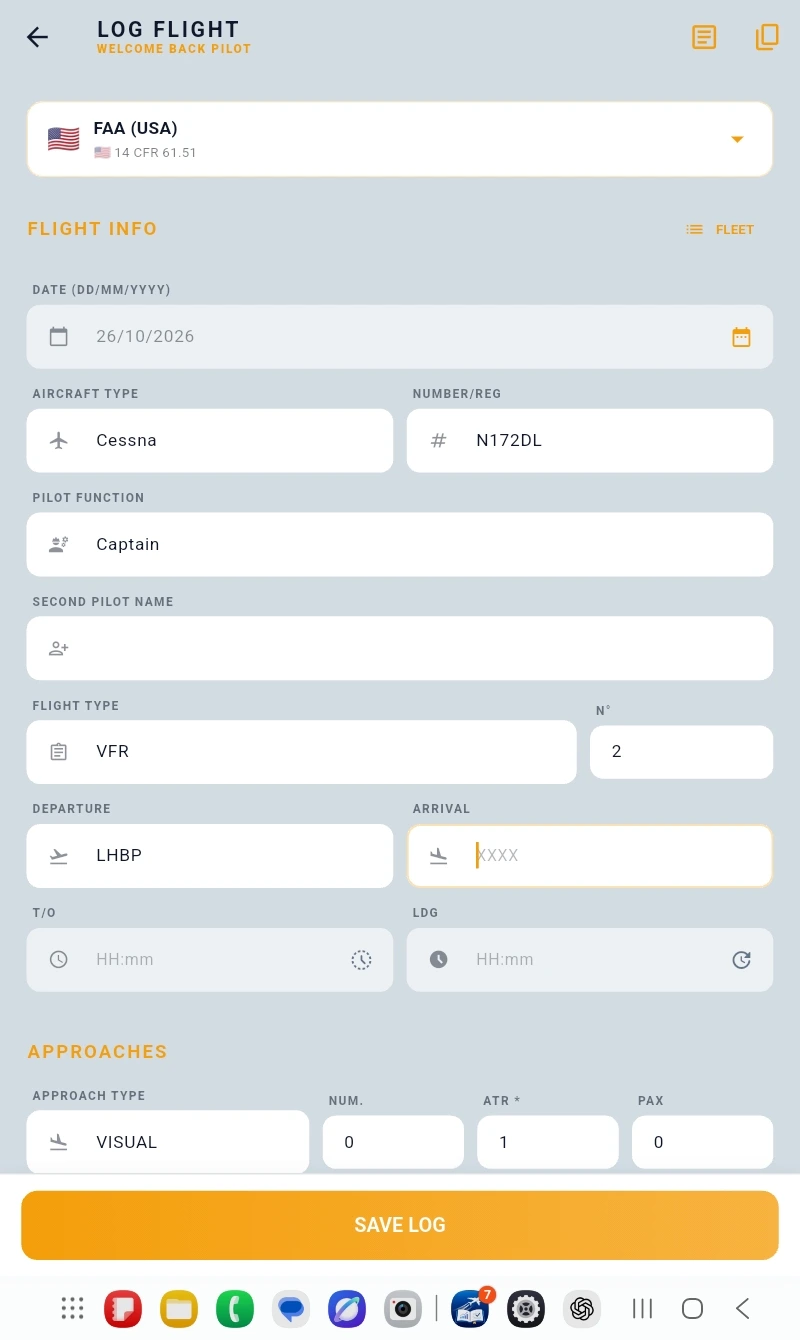
Record every flight with structured fields: date, aircraft, route, times, conditions, and remarks.
Available on Google Play
The professional digital flight log for modern pilots. Offline-first, encrypted backups, PDF & Excel exports, and flight statistics — all in one clean app.
Core Features
Designed around real cockpit workflows — not theoretical checklists.
Record every flight with structured fields: date, aircraft, route, times, conditions, and remarks.
Track totals across your flight records and review activity by category, aircraft and period.
Export your records for documentation, applications, training reviews or personal archives.
Log flights on the tarmac without signal. Core logging does not require a continuous internet connection.
Create encrypted backup files and keep control of where your protected backup is stored.
Hours per month, per aircraft, per route — understand your flying like never before.
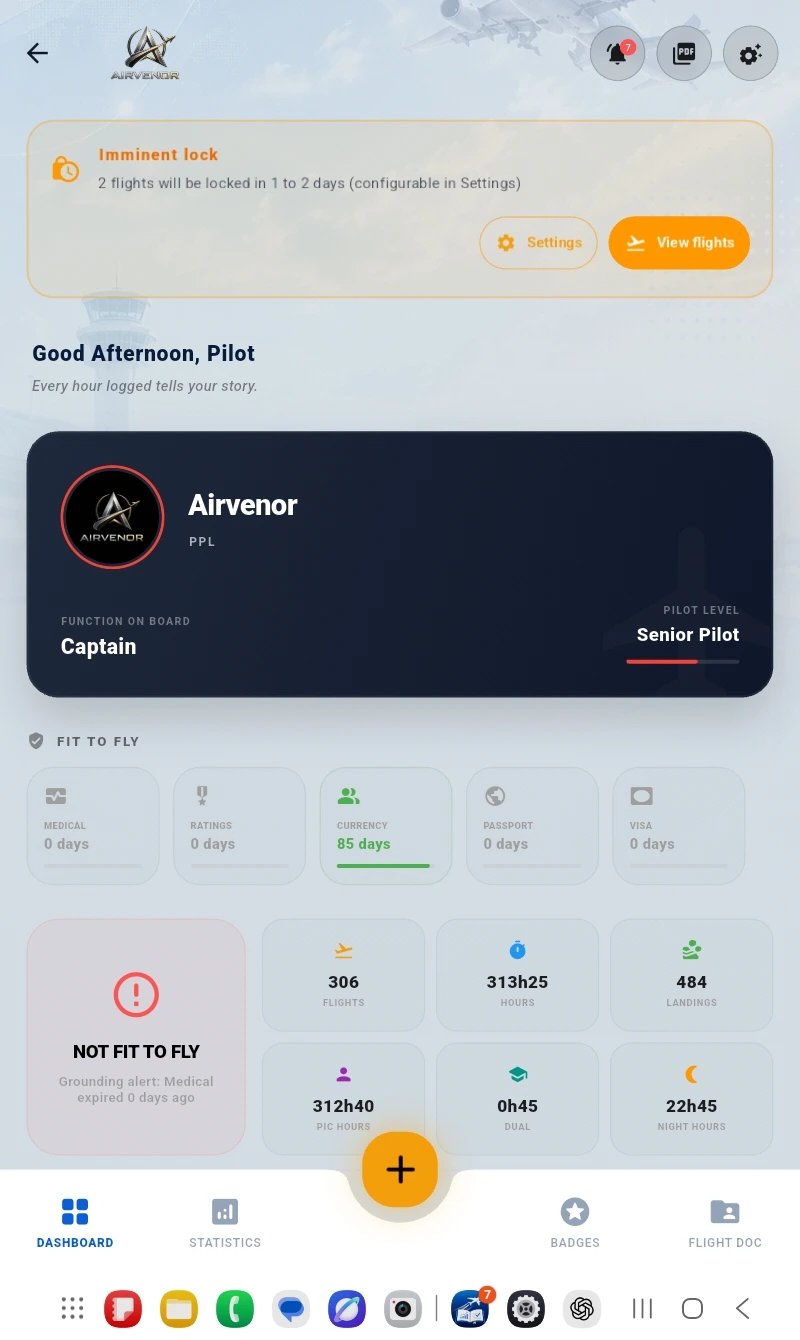
Keep licenses, ratings, medicals, and endorsements organized in one place.
Organize the aircraft types you fly and keep aircraft information together with your records.
Why pilots choose it
No more manual totals or hunting for old entries. Everything is instant and searchable.
Offline local storage plus encrypted backup files help you keep a protected copy of important flight records under your control.
Generate PDF and Excel exports for documentation, training, applications and personal archiving.
Preview
Inside the app
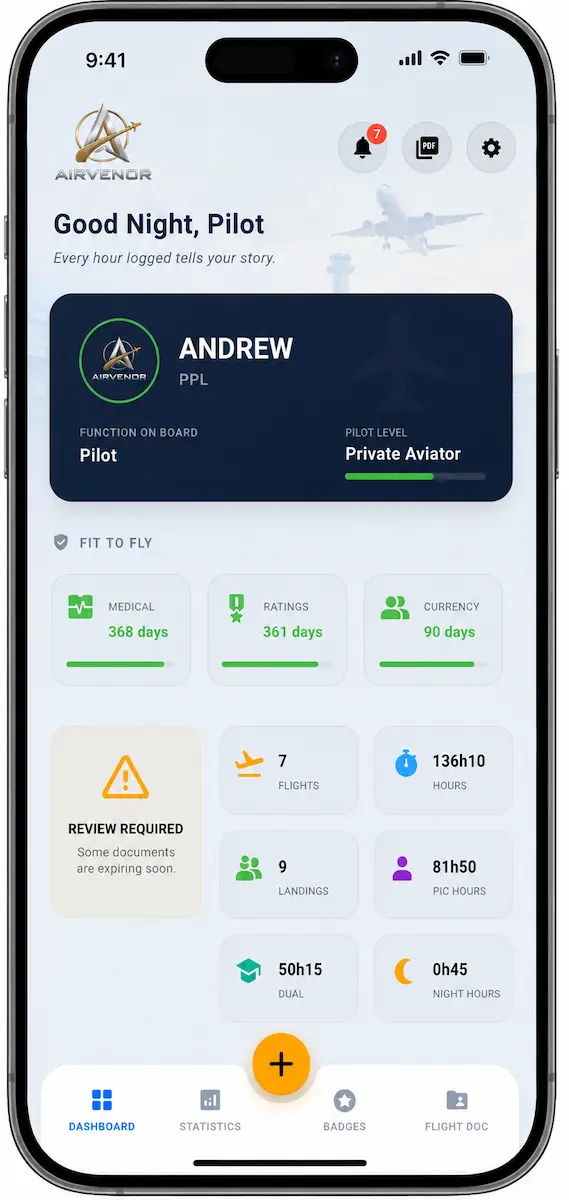
Real screenshots from AIRVENOR Pilot Logbook. Features and availability may vary by app version.
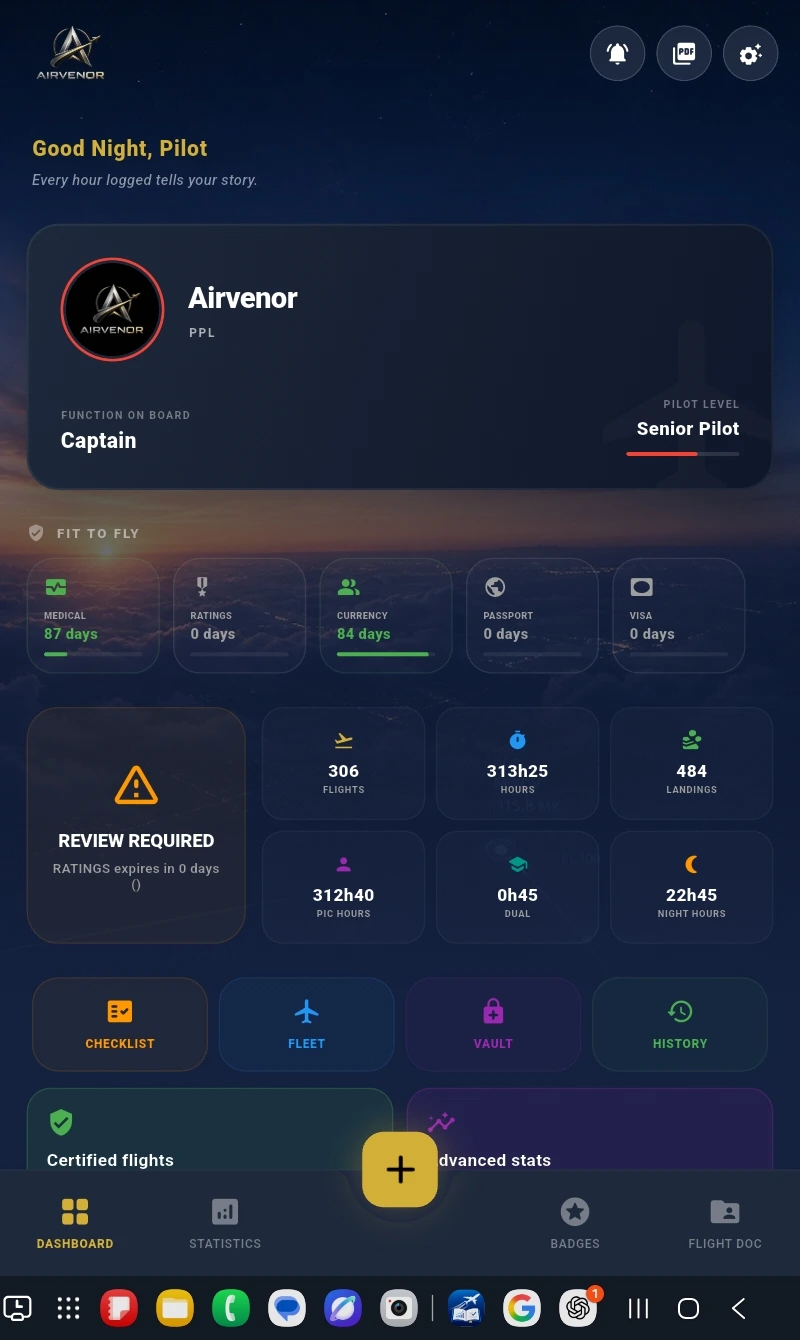
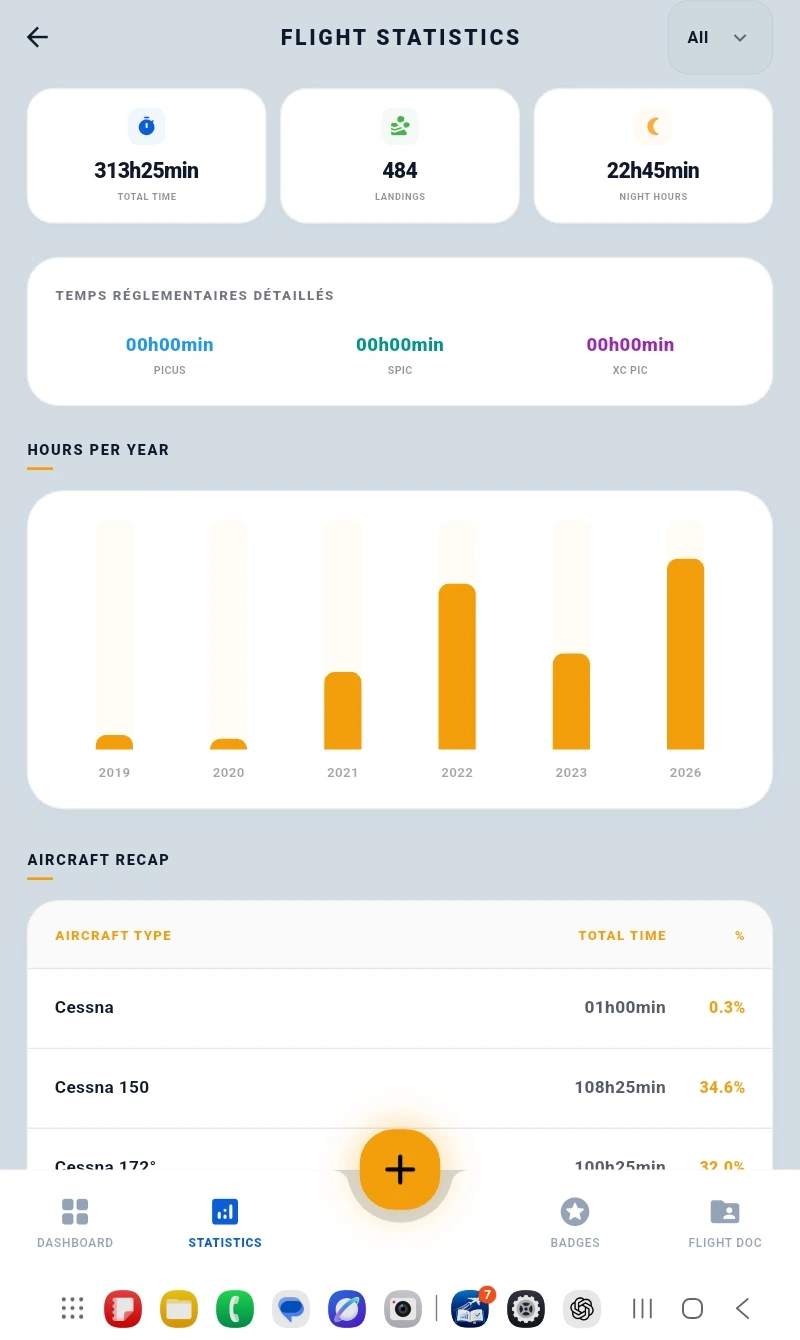
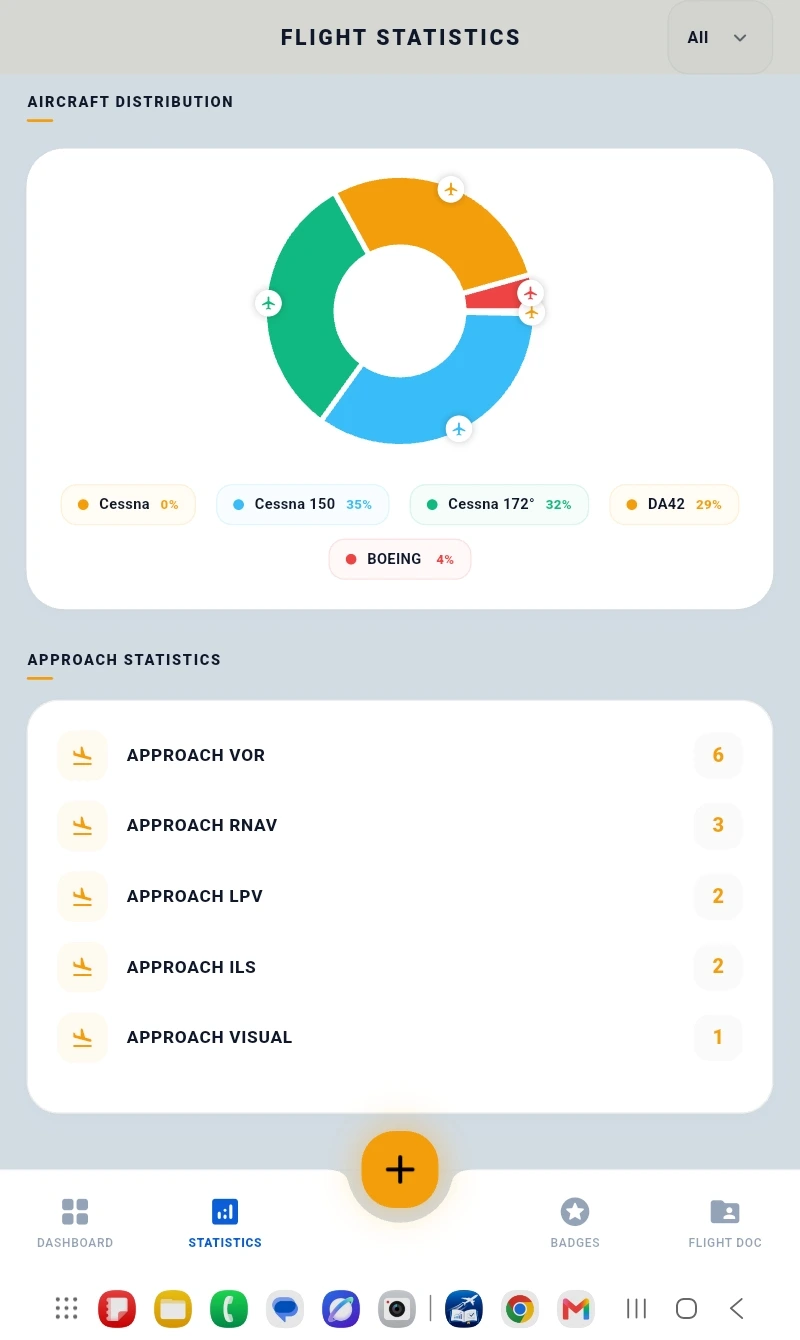
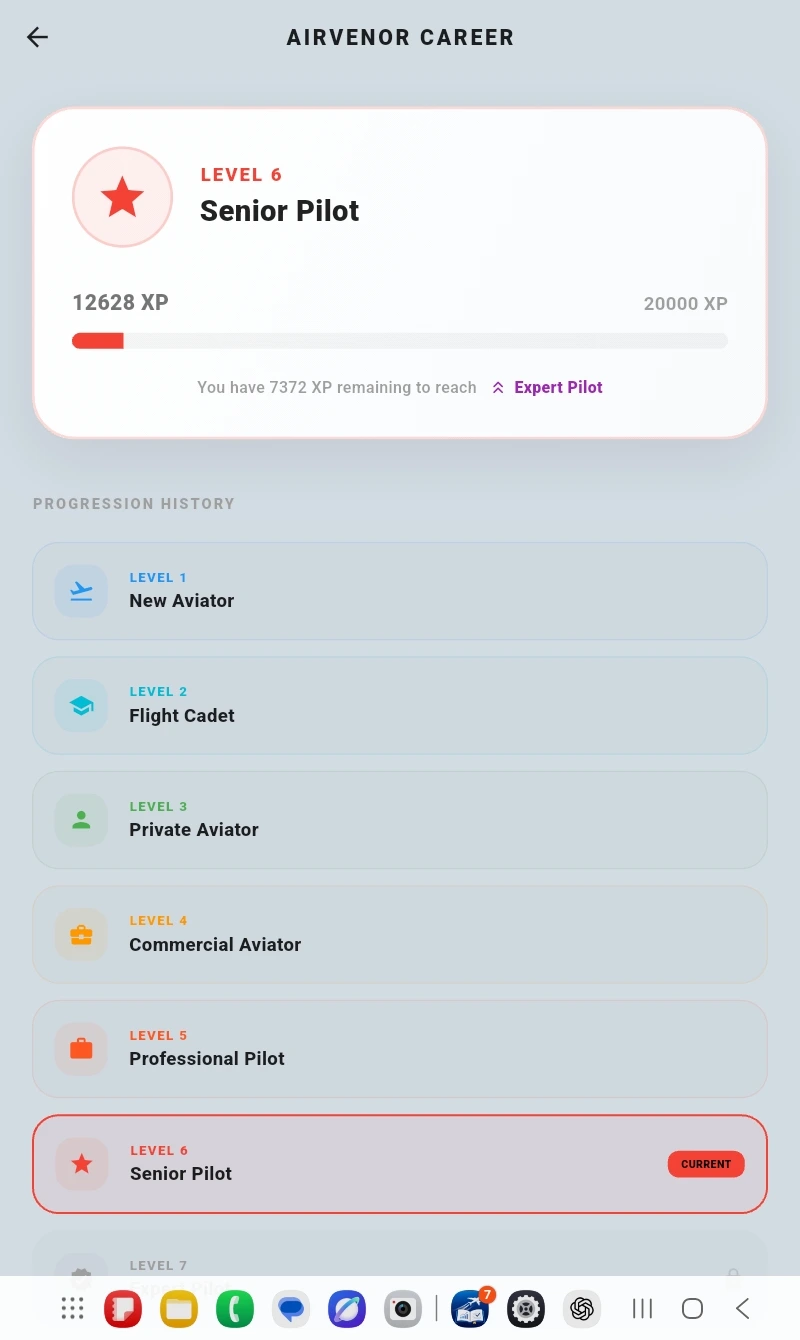
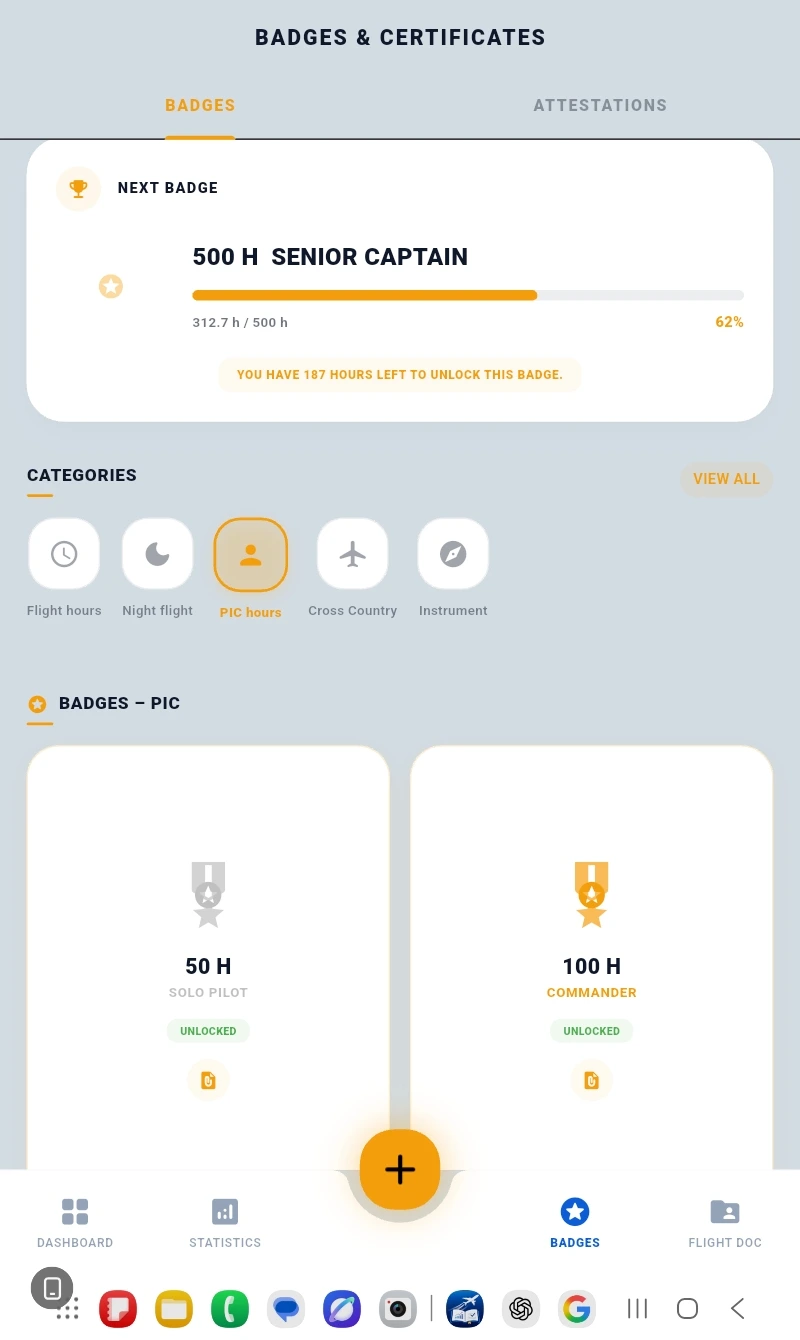
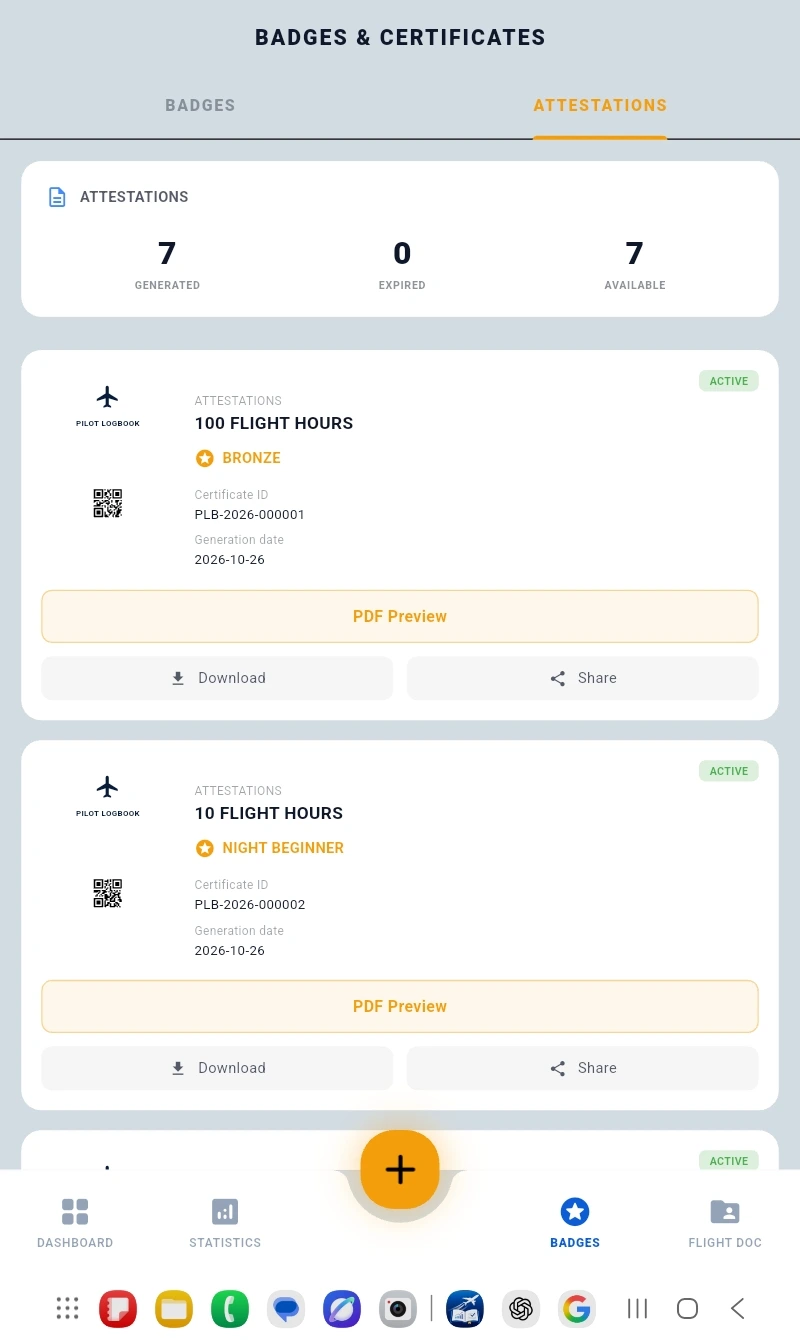
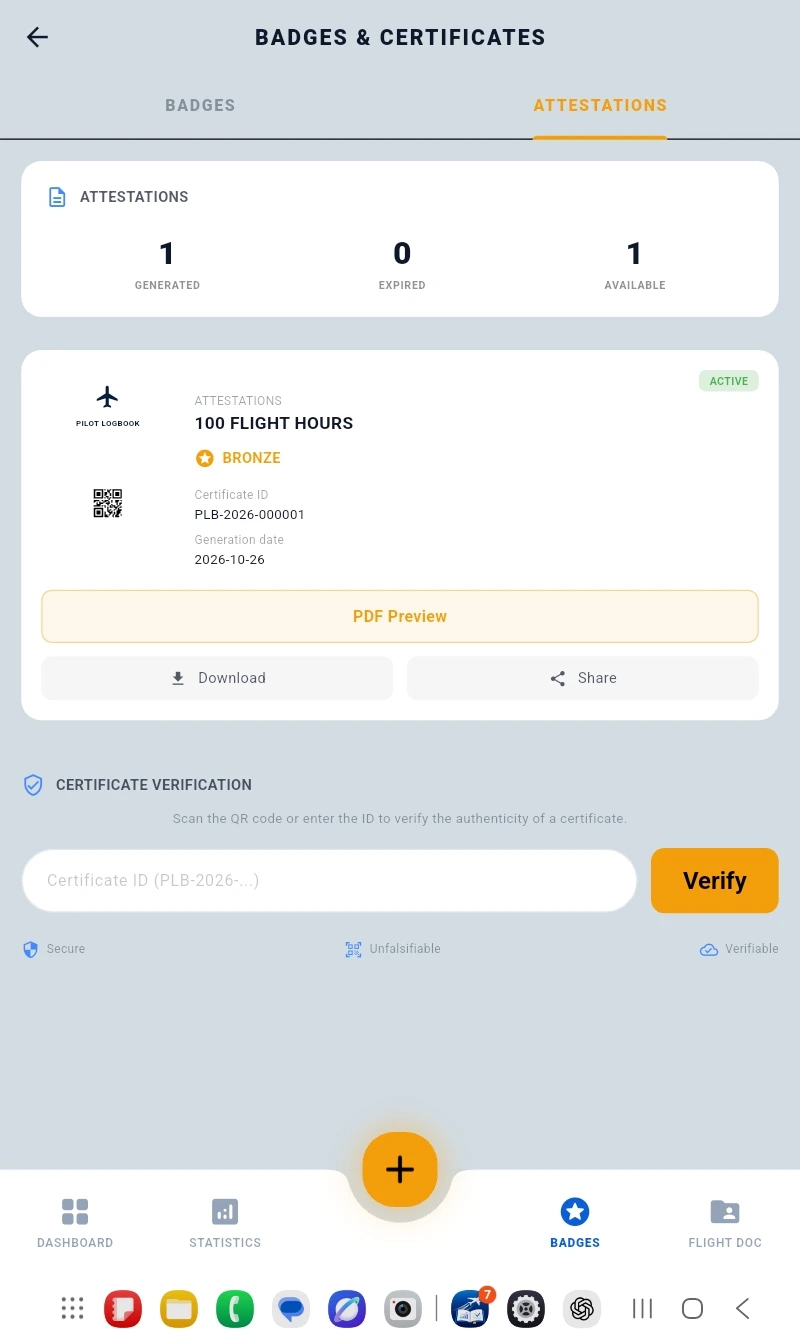
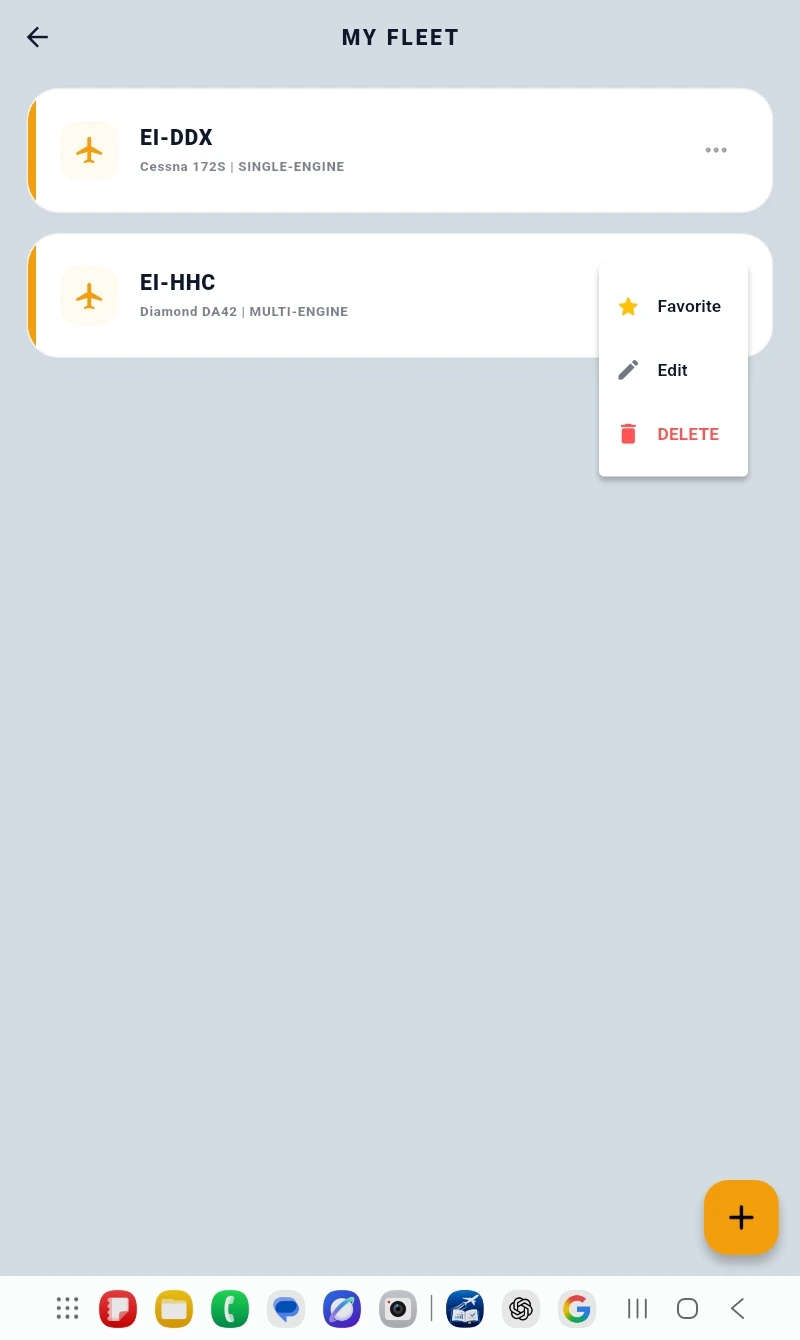
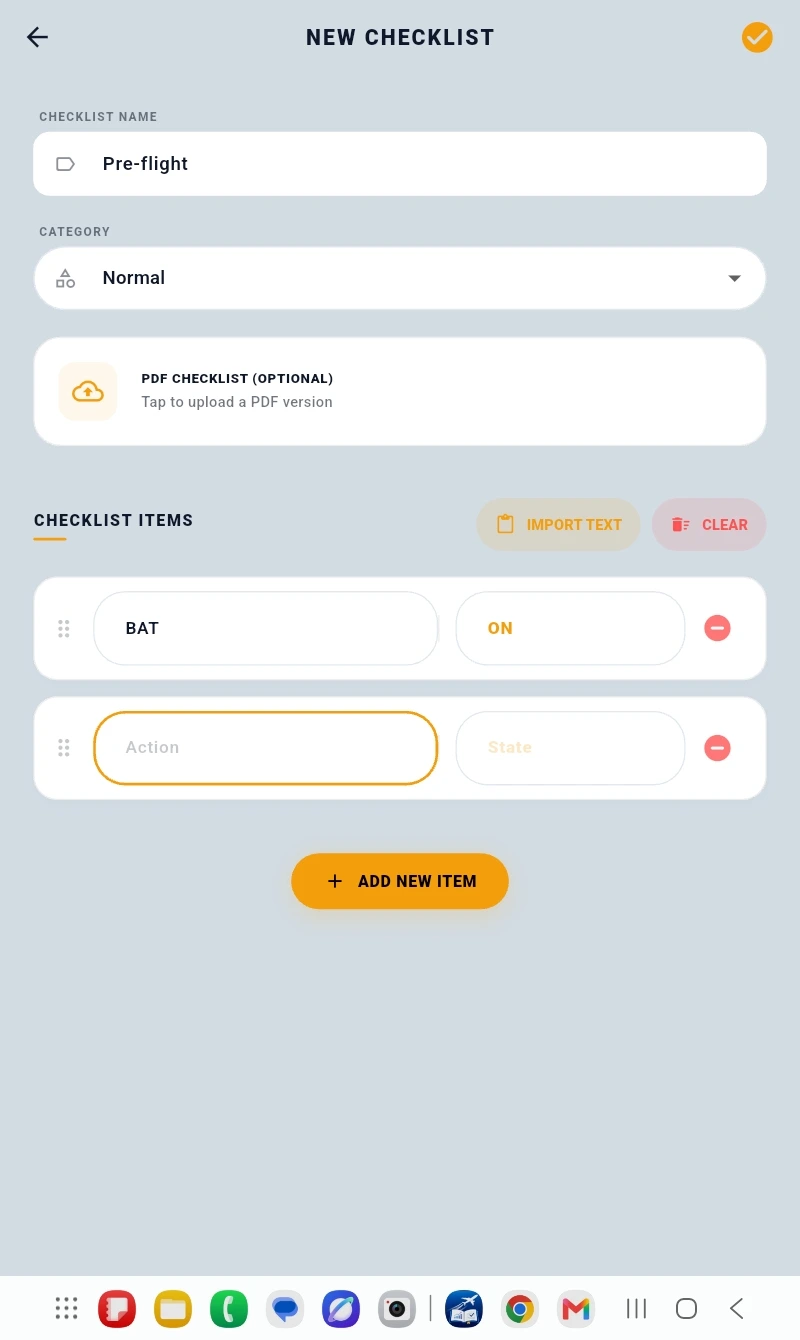
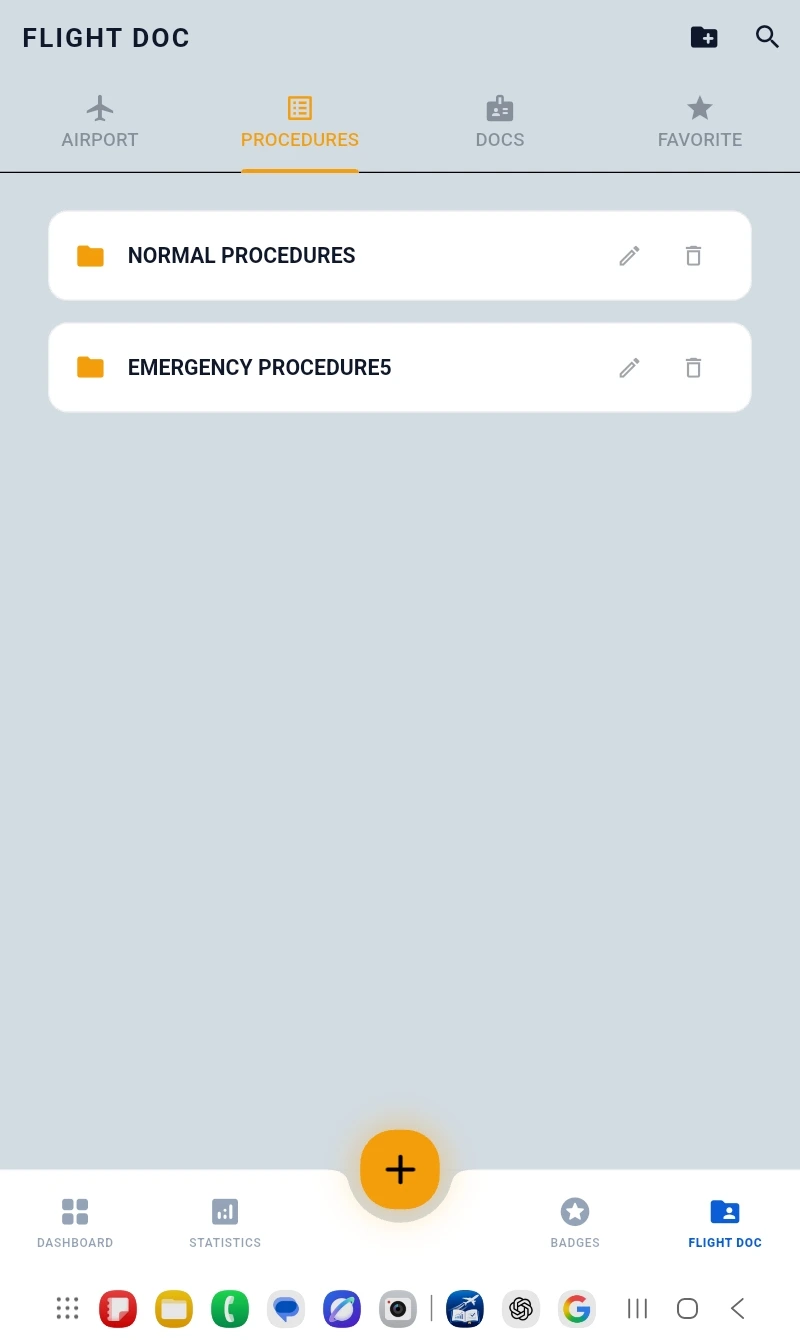
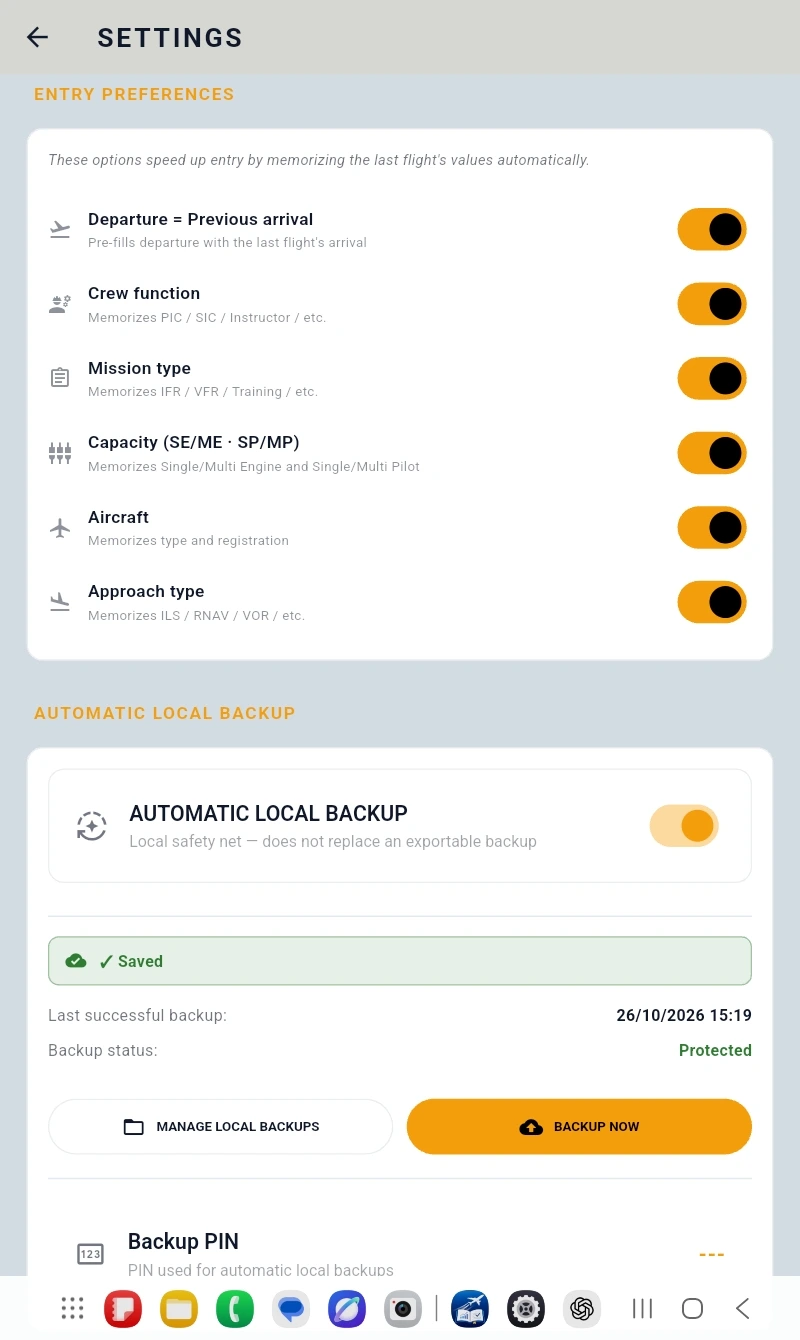
Product screenshots are illustrative of the supplied app build. They do not imply regulatory approval or replace official flight records requirements.
Feature guide
Explore the main capabilities described for AIRVENOR Pilot Logbook. Always confirm the exact features in the current app version.
Reusable flight templates, quick-repeat entry, automatic duration totals, day/night and IFR categories, landing counts, overlap warnings, duplicate detection, and configurable record locking are described in the product report.
The report describes support for regulatory-format profiles including EASA, FAA, UK CAA, Transport Canada, CASA, New Zealand, South Africa, India, UAE, and France/Morocco. Check each authority’s current rules before relying on a template for official purposes.
Review totals such as overall time, PIC, dual/instruction, night, IFR, cross-country and landings, alongside charts, approach statistics, milestones and achievement badges.
The report describes aircraft fleet management, interactive checklists, and a local document vault for organizing aviation files such as PDFs and images.
Configured reminders can help users keep track of document expiry dates and daily flight-entry habits. A reminder is an organizational aid, not confirmation that a pilot is legally current or fit to fly.
The report describes local backups, Excel and JSON interchange, encrypted backup files, biometric app locking, and audit history. Keep independent backups and test restoration periodically.
Yes — Pilot Logbook is free to download and use on Android via Google Play.
Yes. Core flight logging works offline with local storage. No cloud sync is required for core logging.
AIRVENOR does not claim official EASA or FAA approval. Pilot Logbook is designed for structured digital flight recordkeeping; users should verify applicable requirements with the relevant authority or operator.
Yes — PDF and Excel exports are built-in, ready for professional documentation.
Pilot Logbook is currently available on Android. iOS is on the roadmap.
Ready to switch?
Free download. No subscription required for core features.