Aviation Blog
How to Keep a Digital Pilot Logbook in 2026
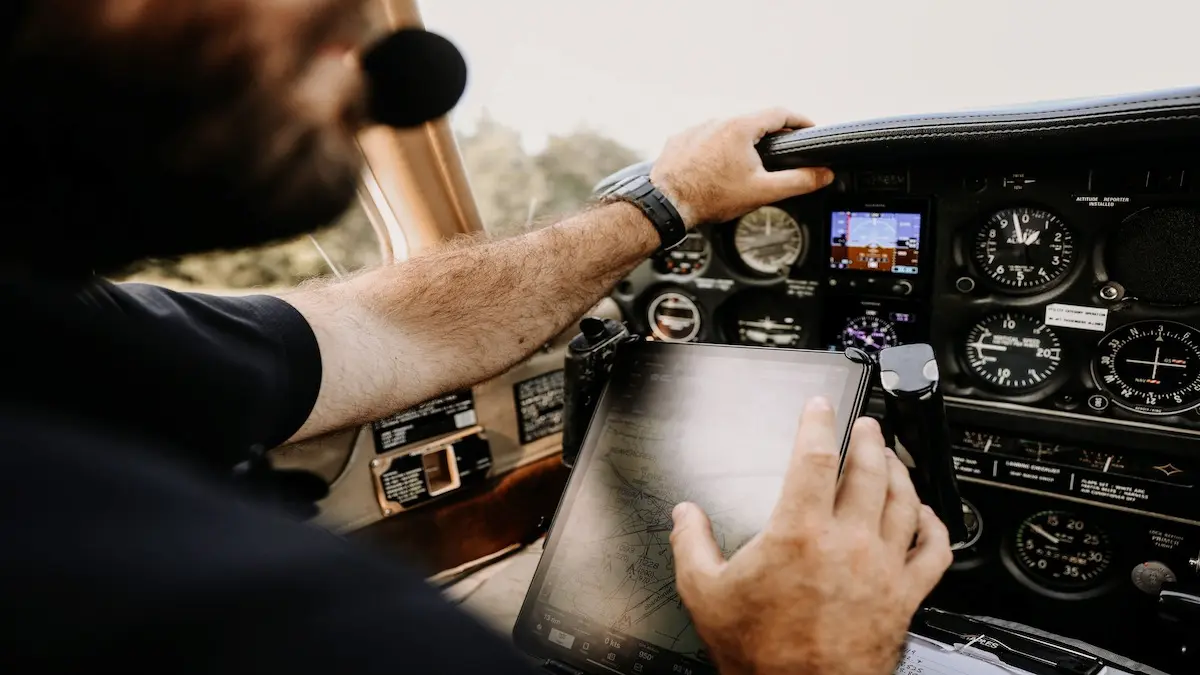
For decades, pilots have tracked their flight hours in paper logbooks. It works, but it has real limitations: entries get lost, calculations are error-prone, and totalizing hours for a job application or a license checkride can take hours. In 2026, digital logbooks have become the standard for professional and student pilots alike.
Why switch to a digital logbook?
- Automatic totals — your total time, PIC, dual, night, IFR, and cross-country hours update in real time.
- Currency tracking — you always know if you're current for passengers, IFR, or night flight.
- Backup — cloud sync means you'll never lose your flight history.
- Exports — print, PDF, or Excel export for job applications and authority audits.
- Mobile-first — log your flight on the tarmac right after shutdown.
7 features every digital logbook must have
- Automatic time calculation — enter off-block/on-block times and the app computes totals.
- Currency tracking — 90-day passenger currency, IFR currency, and night currency.
- Multiple aircraft support — from a Cessna 152 to an A320.
- PDF & Excel export — authorities may request a printed or signed format.
- Encrypted local backup + offline mode — record flights offline and keep a protected backup file you control.
- Custom fields — simulator time, instruction given, glider/tailwheel, etc.
- Analytics — hours per month, per aircraft, per route.
Paper vs digital: honest comparison
| Criteria | Paper | Digital |
|---|---|---|
| Cost | 10–30€ | Free – 30€/year |
| Totals | Manual | Automatic |
| Backup | None | Cloud |
| Currency alerts | No | Yes |
| Search | Manual | Instant |
Regulatory considerations
FAA: The FAA accepts digital logbooks as long as they contain the same information required by 14 CFR 61.51.
EASA: EASA Part-FCL accepts electronic logbooks if they meet the requirements of AMC1 FCL.050.
💡 Best practice: keep a printed PDF export updated every 3 months.
5 mistakes to avoid
- Not backing up — a cloud sync + a monthly PDF export is non-negotiable.
- Wrong time format — always double-check decimal hours vs HH:MM.
- Forgetting endorsements — instructor sign-offs, tailwheel, complex, high-performance.
- Mixing UTC and local time — pick one, stick with it.
- Waiting to log — log right after shutdown.
How to migrate from paper
- Export each page of your paper logbook as a high-quality photo (use your phone's document scanner).
- Enter only the totals in your digital app for the historical part (total time, PIC, dual, night).
- Start logging from today in full detail.
- Attach the scanned pages as a PDF backup inside the app.
Frequently asked questions
Is a digital logbook legally accepted?
Yes in most jurisdictions, provided it contains all the required fields. Always keep a printed backup.
Can I use my phone only?
Yes. Most pilots use a phone in the cockpit and a tablet or desktop for bulk entries.
What if I fly multiple types?
Choose an app that supports unlimited aircraft types with custom fields.
How much does a digital logbook cost?
From free (basic apps) to ~30€/year for pro features.
Ready to switch to a digital logbook?
Pilot Logbook by AIRVENOR is designed for structured digital flight recordkeeping and supports offline-capable workflows. Applicable regulatory requirements should always be verified with the relevant authority or operator.
Discover Pilot Logbook →